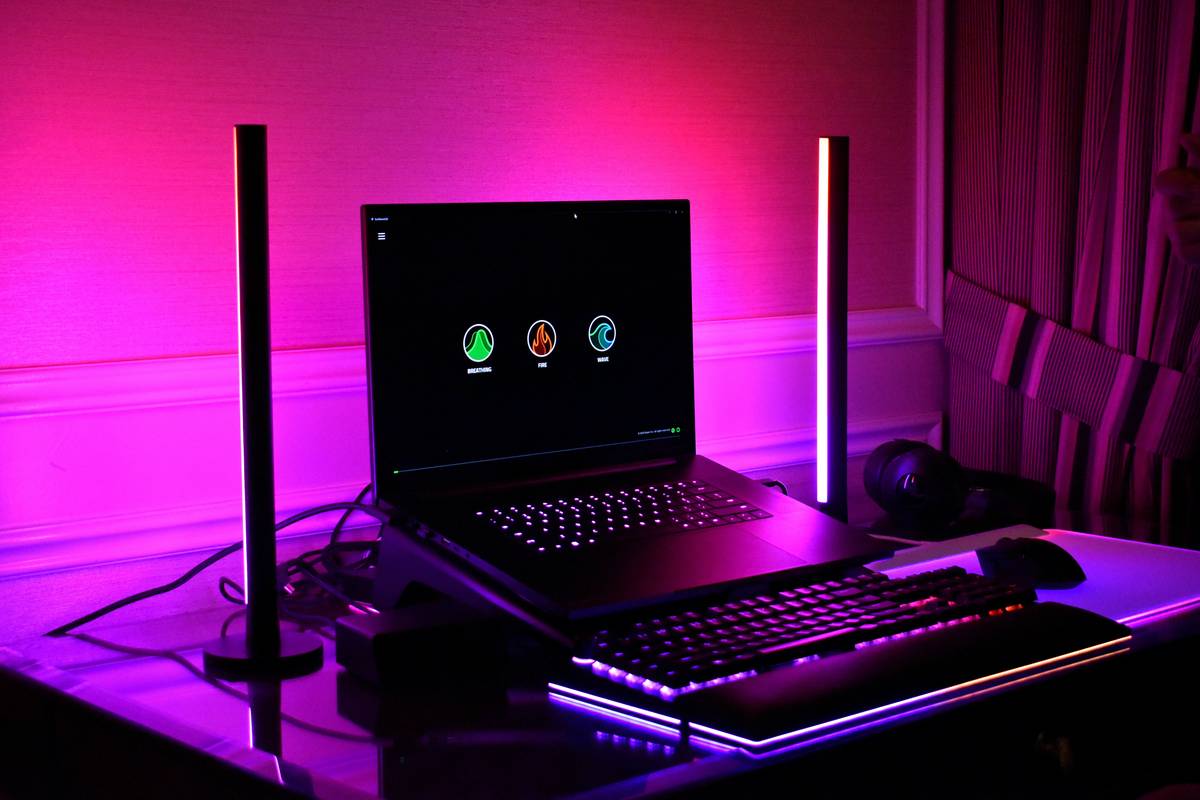
You spent hours tweaking your OBS scene, bought a premium mic, and practiced your on-screen banter—but viewers still say your stream looks “off.” Blurry shadows. Harsh highlights. A face that vanishes into the background. The problem isn’t your gear or charisma. It’s your lighting. Most streamers treat lighting as an afterthought—taping up cheap ring lights or relying on overhead bulbs. That’s why they look like they’re broadcasting from a basement interrogation room. Here’s the fix: strategic, purpose-built streaming light gaming setups that make you pop without breaking the bank.
Why Generic Lighting Fails Streamers Every Time
Ring lights scream “TikTok selfie,” not “pro streamer.” Overhead fluorescents cast unflattering shadows under your eyes. And that warm desk lamp? It drowns your skin tones in orange soup. Standard lighting ignores one brutal truth: cameras don’t see like humans. They need balanced, diffused illumination from multiple angles to render depth and color accurately. Without it, even the crispest 4K cam looks muddy.
And it gets worse. Poor lighting forces your camera to crank ISO or widen aperture—introducing noise or blurring your background unintentionally. You lose control. Viewers subconsciously equate visual chaos with low effort. First impressions die fast.
Build a Pro Streaming Light Gaming Rig (Without Hiring a Gaffer)
Forget Hollywood budgets. You need three things: direction, diffusion, and color accuracy. Start with a key light at 45 degrees to your face—never straight on. Add a subtle fill on the opposite side to soften shadows. Then, if you’ve got room, throw in a backlight or LED strip behind your monitor for separation. All lights should be 5600K (daylight white) unless you’re going for a very specific mood—and even then, stay consistent.
Key Light Options Compared
| Light Type | Price Range | CRI Rating | Best For |
|---|---|---|---|
| Softbox Panel | $60–$120 | 95+ | Serious streamers needing cinematic quality |
| LED Ring Light | $25–$80 | 80–90 | Casual use; creates signature eye catchlights |
| RGB Bias Lighting | $20–$50 | N/A | Backlight ambiance; reduces eye strain |
| Window Natural Light | $0 | 100 | Daytime streams only—unreliable otherwise |
Diffusion Is Non-Negotiable
A bare LED panel is just a glare bomb. Always diffuse. Use a softbox, a DIY shower curtain, or even a white bedsheet stretched over a frame. Diffusion scatters photons evenly—eliminating hotspots and giving your face dimension. No diffusion? You’ll look flat. Like a cardboard cutout.
Positioning Beats Power
Brighter isn’t better. A 2000-lumen light pointed directly at your nose creates raccoon eyes. Instead, place your key light slightly above eye level, angled downward. Fill light should sit lower and dimmer. Backlight? Just enough to outline your head against the wall. Precision beats wattage every time.
The Industry Secret: Color Rendering Index (CRI) > Lumens
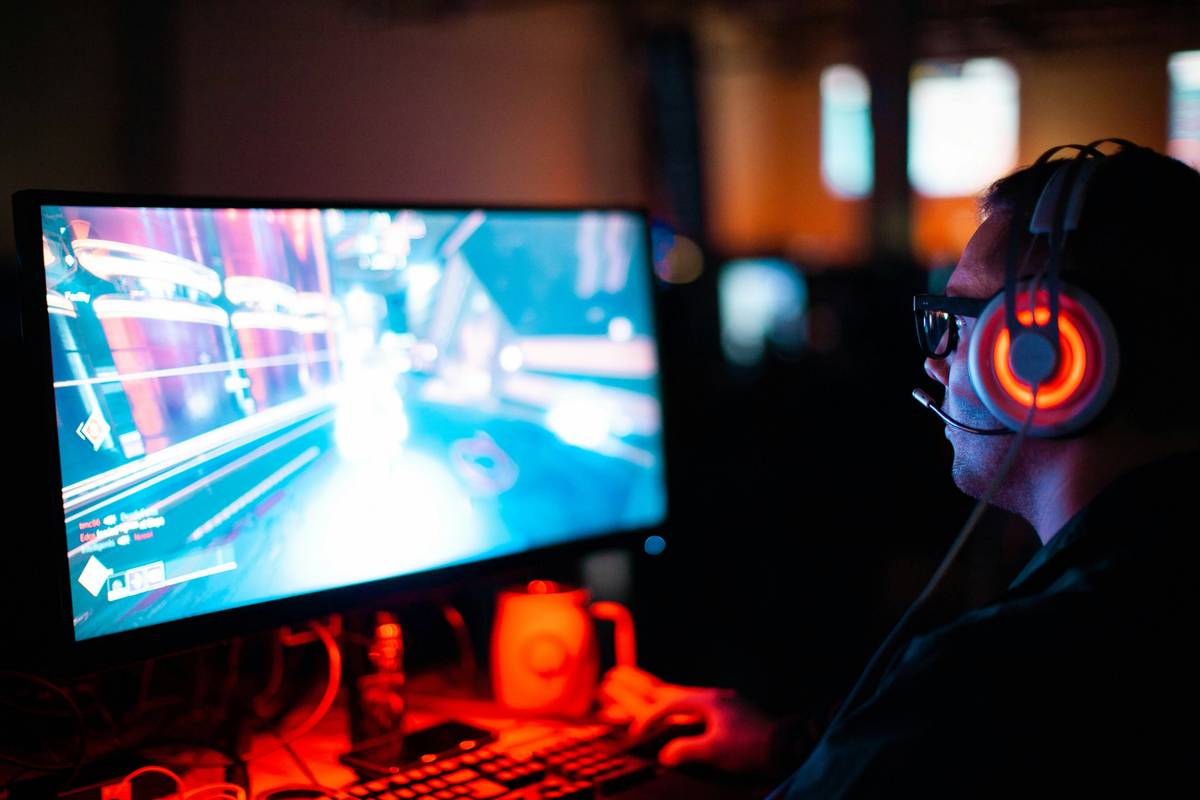
Here’s what gear reviewers won’t tell you: lumen counts are marketing fluff. What actually matters is CRI—Color Rendering Index. A light with CRI 90+ reveals true skin tones, accurate shirt colors, and subtle facial expressions. Cheap LEDs often have CRI below 80—making you look sallow or greenish, even at “daylight” color temps. Pros test lights by holding up a color chart or their hand before buying. If reds look dull or blues turn purple? Walk away. No amount of post-processing fixes bad CRI. And yes—your viewers notice, even if they can’t name why you look “off.”
Think about it. You wouldn’t stream with a webcam that distorts faces. Why tolerate lighting that does the same?
Frequently Asked Questions
Do I need expensive lights for streaming light gaming?
No. A single high-CRI softbox under $100 outperforms three cheap ring lights. Prioritize quality over quantity—and always diffuse.
Can I use natural light for streaming?
Only if you stream at the same time daily with consistent weather. Cloud cover shifts color temperature wildly—ruining consistency. Not reliable for serious creators.
What’s the best color temperature for streaming?
5600K (daylight). It matches most webcam profiles and mimics professional studio lighting. Avoid mixing temps—your scene will look chaotic.
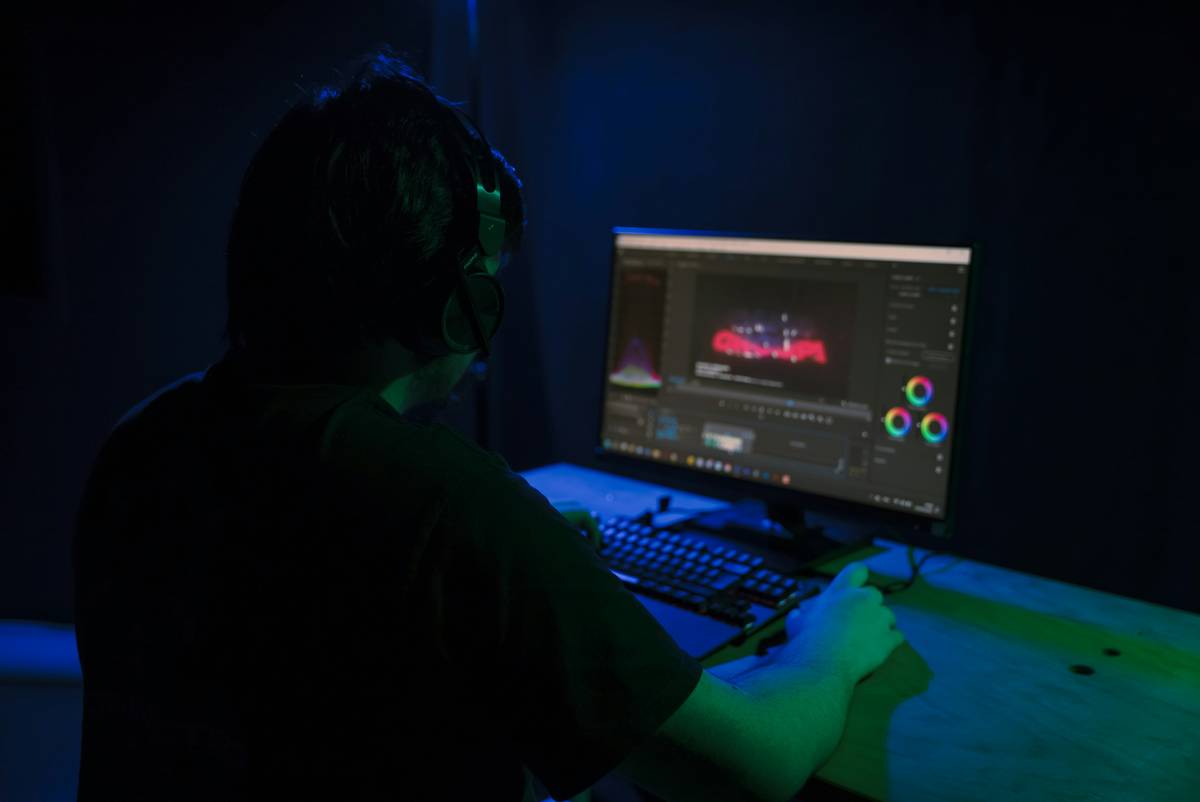
Your stream’s visual quality isn’t about flashy gear—it’s about intentional light. Get this right, and everything else (cam clarity, overlay design, even your energy) looks sharper. Stop hiding in shadows. Build a lighting rig that makes you impossible to ignore.
Ready to upgrade? Audit your current setup tonight: turn off all lights, then add just one diffused source at 45 degrees. Film a 10-second test. If your face suddenly looks dimensional—not flat—you’ve cracked the code.