Your stream looks amateurish—not because of your gameplay, but because your lighting screams “bedroom hobbyist.” Flat faces, harsh shadows, and inconsistent color temps sabotage credibility before you say a word. But what if you could fix that with one overlooked upgrade? Streaming lights for pc aren’t just mood setters—they’re your silent co-host.
Why Your Current Lighting Setup Is Failing You
Most streamers plug in a ring light from Amazon, call it a day, and wonder why their skin tones look like oatmeal under fluorescent hell. It’s not just about brightness—it’s direction, diffusion, and spectral accuracy.
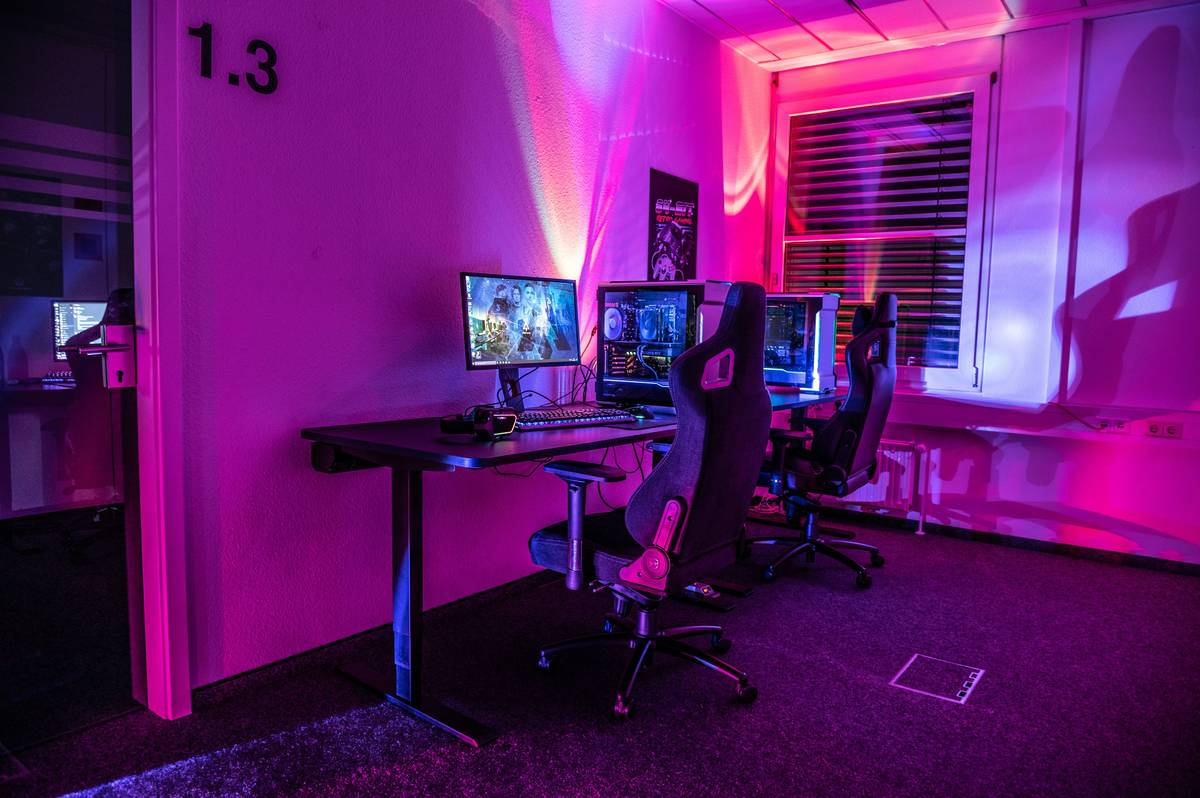
And let’s be honest: window light changes hourly. Desk lamps cast upward shadows that make you look like a suspect in a noir film. RGB party strips? They’re fun—but useless for actually illuminating your face without introducing color noise that confuses your camera’s white balance.
The core flaw? Treating lighting as decoration instead of signal clarity.
How to Build a Studio-Grade Streaming Lights for PC Setup (Without Breaking the Bank)
Forget “more lumens.” Focus on control, consistency, and color rendering. Here’s how:
Pick the Right Light Type—Not Just the Brightest
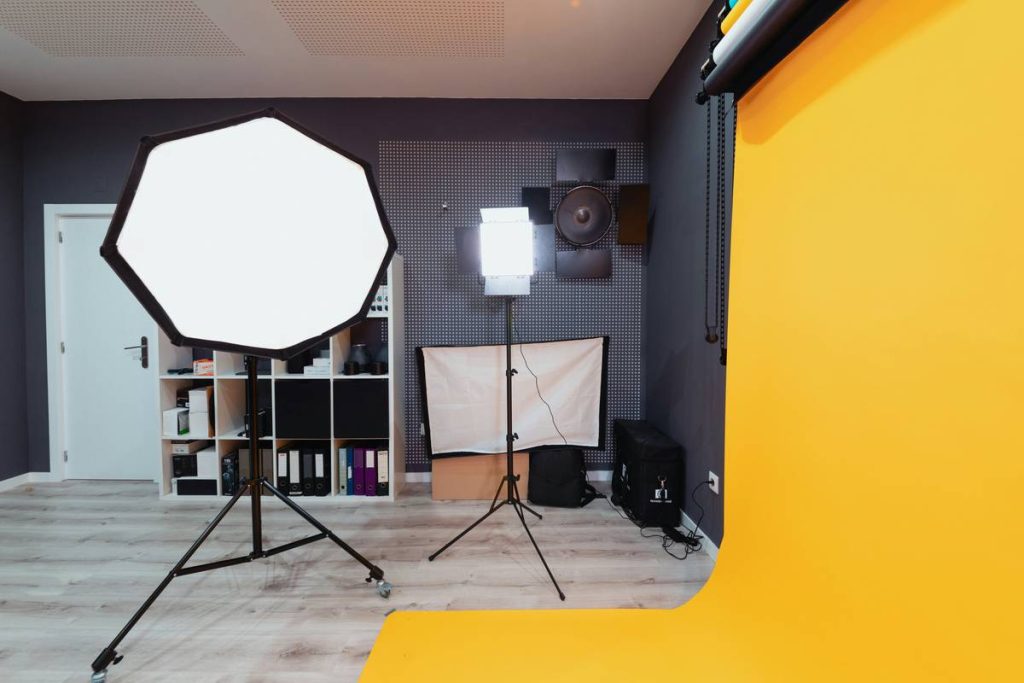
LED panels beat ring lights for versatility. They offer adjustable diffusion, better color accuracy (look for CRI >95), and directional control. Ring lights create flat, shadowless faces—which sounds good until you look like a floating head with no depth.
Master the 3-Point Lighting Foundation
Key light (main source) at 45 degrees to your face. Fill light opposite it—dimmer, softer—to kill harsh shadows. Backlight (or hair light) separates you from the background. This isn’t Hollywood fluff; it’s basic visual grammar viewers subconsciously expect.
Calibrate for Your Camera—Not Your Eyes
Your webcam doesn’t see like you do. Set white balance manually using a gray card. Dial in 5600K (daylight) if streaming near windows, or 3200K for tungsten-heavy rooms. Auto-white balance will drift mid-stream and tint your entire feed yellow or blue.
| Light Type | Cost Range | CRI Rating | Best For |
|---|---|---|---|
| Bi-Color LED Panel | $80–$200 | 95–98 | Serious streamers needing color accuracy |
| RGB Smart Strip | $25–$60 | 70–85 | Ambient background only—never face lighting |
| Ring Light | $40–$120 | 80–90 | Casual streams; causes flat, unflattering facial lighting |
| Softbox Kit | $100–$250 | 93–97 | High-end productions with space for modifiers |
The Industry Secret: Pros Don’t Rely on On-Camera Lights Alone
Here’s what top-tier streamers won’t tell you: they use off-camera lighting controlled via DMX or smart hubs—hidden just outside frame. Why? Because mounting lights directly on your monitor creates downward shadows under your eyes and chin. Instead, elevate your key light slightly above eye level, angled down. This mimics natural sunlight and adds subtle definition. And—this is critical—bounce fill light off a white foam board instead of using a second fixture. It’s cheaper, softer, and eliminates competing light temperatures. The math is simple: reflected light = zero harshness, infinite adjustability.
Frequently Asked Questions
Do I really need special streaming lights for PC?
Yes—if you care about looking clear, consistent, and credible. Built-in webcam lighting or room lamps introduce noise, flicker, and poor color that hurts viewer retention.
Can RGB lights work as my main streaming source?
No. RGB strips lack accurate white points and high CRI. Use them only for ambient backdrop effects, never to illuminate your face.
What’s the minimum budget for decent streaming lights for PC?
A single bi-color LED panel (like the Neewer 660) starts around $85. That’s all you need for a massive leap in quality over ring lights or desk lamps.